
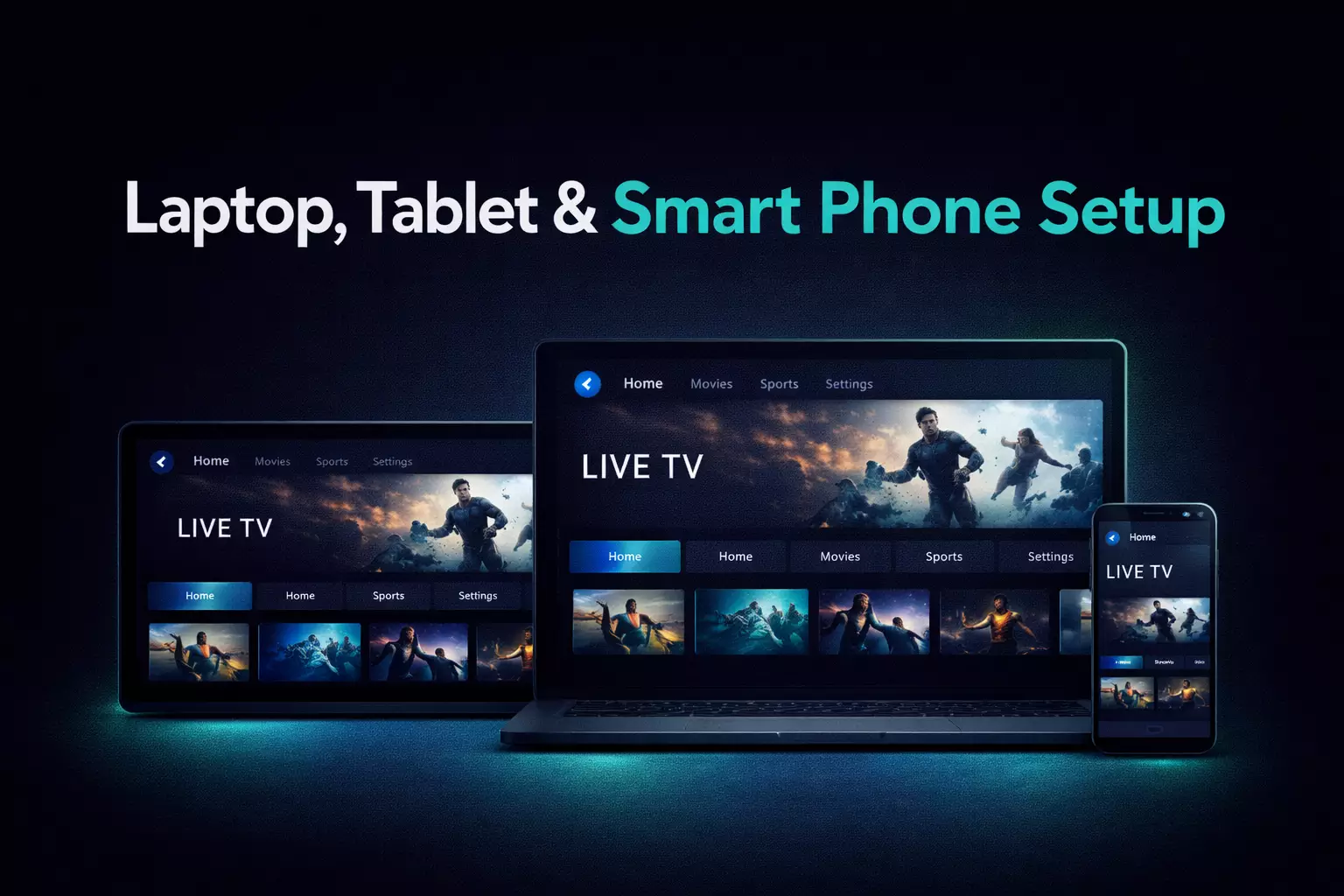
What IPTV Smarters Is
IPTV Smarters is an IPTV player app many viewers choose because the layout feels simple and familiar. It typically separates live TV, movies, and series into clear categories, which makes it practical for users who want a straightforward interface. If you are still comparing service options, start with our best IPTV service overview or region pages like IPTV USA and IPTV Canada.
Common Login Methods
Most users sign in with Xtream Codes credentials or another supported playlist format from their provider. The most important part is entering the server details, username, and password accurately.
Basic Setup Steps
- Install IPTV Smarters on your compatible device
- Open the app and choose the supported login method
- Enter your server URL and credentials carefully
- Let the app load channels, categories, and any guide data
- Test live TV and on-demand sections to confirm everything works
Common Devices
IPTV Smarters is often used on Firestick, Android TV devices, and supported mobile or tablet setups. If your main device is Firestick, continue with how to set up IPTV on Firestick. If you are still choosing between players, compare our best IPTV player guide and the TiviMate guide.
Troubleshooting Basics
- Check that the server URL and credentials were entered correctly
- Restart the app if categories do not load properly
- Confirm your internet connection is stable enough for HD or 4K playback
- Try another channel or section to see whether the problem is specific to one stream
Conclusion
IPTV Smarters is often a practical choice for users who want a familiar, category-driven layout and simple login flow. The best way to evaluate it is to test it on your primary device and see whether the navigation style matches how you actually watch.