

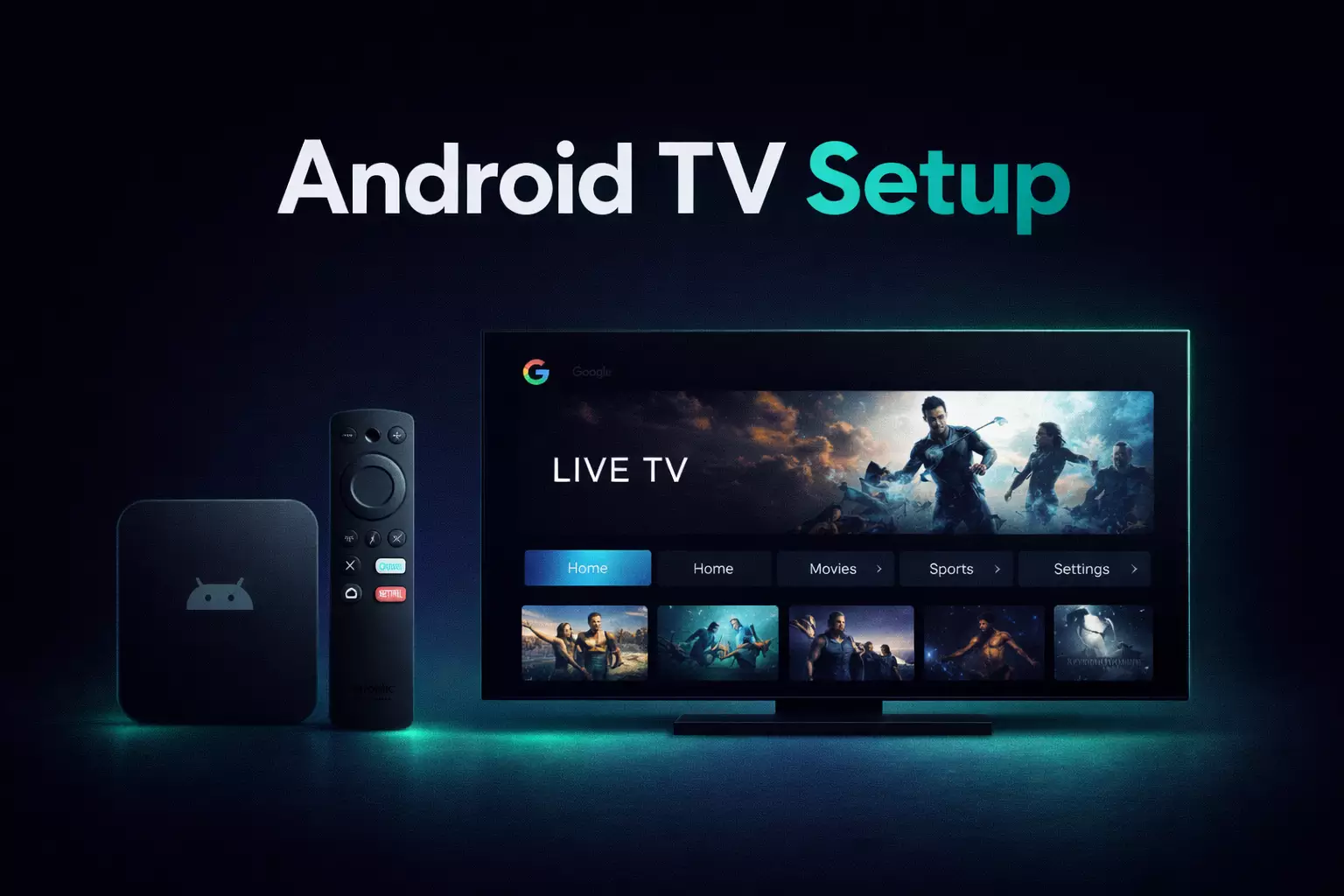
Why the App You Choose Matters
The IPTV service matters, but the player app shapes the day-to-day viewing experience. On Smart TVs and Android devices, the best IPTV apps are usually the ones that balance fast navigation, reliable playlist support, and a layout that feels natural on a TV screen. If you are still evaluating providers, start with our best IPTV service overview or compare IPTV USA, IPTV UK, and IPTV Canada before choosing a player.
TiviMate
TiviMate IPTV player is popular with viewers who want a premium, television-style layout. It is especially well suited to Android TV and Android boxes because it feels designed for remote control use first.
- Clean guide layout
- Easy category switching
- Good fit for large-screen viewing
IPTV Smarters
IPTV Smarters is a flexible choice for users who want a familiar interface and straightforward login options. It works well for households that want to jump quickly between live TV, movies, and series sections.
Perfect Player
Perfect Player appeals to users who prefer a more utility-focused interface. It is often chosen by viewers who do not mind a slightly more technical feel in exchange for playlist flexibility and a simple viewing layout.
Guru IPTV App
The Guru IPTV App is a free, non-commercial player, open source under GPL-3.0 and based on Extreme InfiniTV. It supports live TV, an EPG guide, movies and series, but ships no channels: you supply your own Xtream Codes or M3U/M3U8 playlist and XMLTV EPG details. Android phones, tablets and Android TV / Google TV use the same APK, which also installs on Fire TV through Downloader. Windows, macOS and Linux have desktop downloads; Samsung and LG TVs use the web app in their browser, though very old TVs before 2021 may not work.
Setup Basics
Most IPTV apps follow the same general setup path. Install the app, choose the correct login method, add your Xtream Codes or M3U details, then let the playlist and guide data load. From there, the main difference is the app experience itself: how easy it is to browse, switch categories, and manage playback.
If your main device is a Smart TV in the living room, focus on remote-friendly navigation. If you also watch on Android tablets or phones, choose an app that stays consistent across screens. You can also read how to set up IPTV on Firestick or see our IPTV vs cable comparison if you are still deciding how to build your setup.
A 2027 Checklist Before You Install Any IPTV App
- Where the app comes from. Prefer an official store listing or the developer’s own download page, so you know how updates will arrive.
- Login formats. Make sure it accepts what your provider sends: Xtream Codes, an M3U/M3U8 link, or both.
- Guide data. Check that it can load an XMLTV EPG, otherwise you will see channel names with no programme listings.
- Remote control comfort. On a TV, open a few menus with the remote before you commit. Small buttons and nested settings get tiring fast.
- Every screen in the house. If you watch on a Firestick in the lounge and a laptop upstairs, an app that runs on both saves you learning two layouts.
The free Guru IPTV App ticks these boxes for Fire TV, Android TV, Windows, Mac, Linux and the browser.